
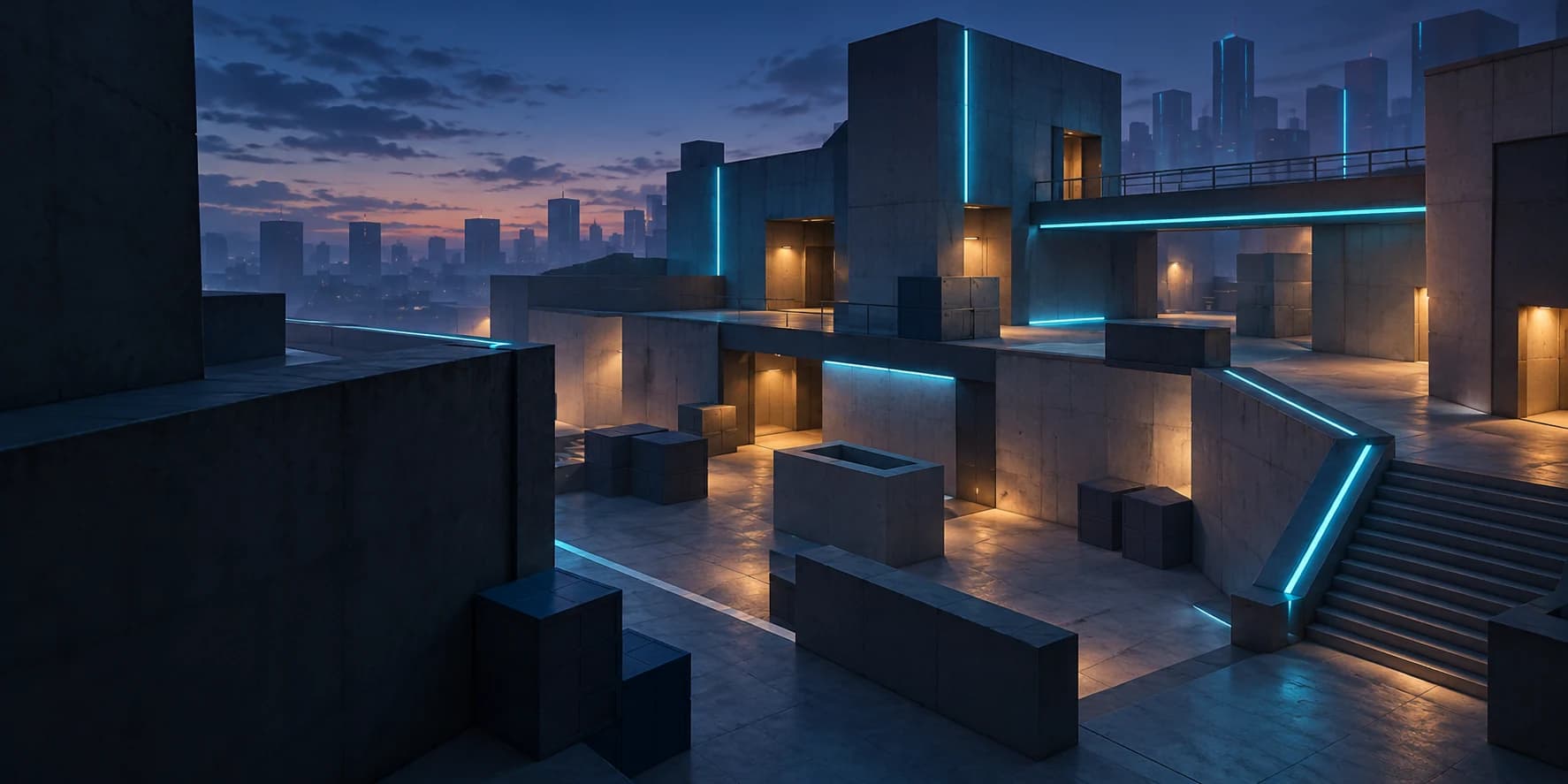
Choose a BloxStrike viewmodel by checking how the visible weapon layout affects your view of the scene, then comparing only the controls your current client actually offers. Start from a recorded baseline and look for a layout that leaves important areas readable without making the weapon presentation distracting. A creator's preferred layout can suggest a comparison, but it does not establish a universal competitive advantage.
FireCat's February 6, 2026 tutorial has a “Three Viewmodels” chapter at 4:12. An earlier December 15, 2025 tutorial describes centered, CS 1.6-style and minimum-visible-gun layouts. These are dated independent creator examples; we have not inspected the October settings interface, verified current numeric offsets, or tested the layouts in live gameplay.
01
Decide what problem the layout should solve
Before copying a configuration, describe the specific thing you want to improve. You might find the visible weapon distracting, feel that one portion of the scene is crowded, or simply prefer a more familiar presentation. Turning that impression into one question makes the comparison more useful than repeatedly selecting presets because each looks fashionable in a different video.
The official description identifies BloxStrike as a round-based competitive shooter with elimination and plant/defuse objectives. A sensible editorial priority is therefore to keep the scene readable while you carry out your role. That reasoning supports comparing visibility, but it does not prove that a particular weapon position changes hit registration, movement speed or any other game mechanic.
02
Find the current controls and save a baseline
Inspect the live settings categories and read the labels associated with weapon presentation before making changes. Record the current values, the selected weapon and your display resolution, or capture a screenshot that preserves those details. If the client provides only presets, record the selected preset rather than guessing which underlying offsets it represents.
Keep the initial setup available as a return point and change one exposed option at a time. Avoid pasting commands from another shooter unless BloxStrike itself documents that input as supported. For questions about opening settings or identifying bound actions, use the controls guide; the existence of a creator's viewmodel chapter does not establish a current menu hotkey.
03
Compare centered and side-positioned presentations
If the current client offers a centered weapon layout, look at the middle and lower portions of the scene before deciding whether it suits you. A centered presentation may feel familiar or symmetrical, but the useful question is what it covers on your own screen. Compare it with your baseline while looking at the same visible landmark, rather than comparing unrelated screenshots from different sessions.
For a layout positioned further to one side, repeat the observation and inspect that side of the screen as well as the center. A change can clear one region while making another feel more crowded, so evaluate the whole presentation. FireCat's dated examples are references for this comparison, rather than evidence that a particular centered or side-positioned option remains available under the same name today.
04
Test the minimum-visible-weapon idea carefully
The earlier tutorial's description includes a layout intended to show less of the gun. Treat that as a presentation goal you may compare if your client offers suitable controls. Looking for reduced screen coverage does not require copying undocumented offset numbers or assuming that another player's screenshot matches your resolution.
After a change, check whether the result is actually easier for you to interpret. A weapon that occupies less space may still catch your attention if the placement looks unusual, while a familiar baseline may be easier to ignore. Keep the setting that improves your reading of the scene, and avoid describing a cosmetic presentation choice as a guaranteed way to win more fights.
05
Watch the layout during ordinary actions
A still screenshot shows only one moment, so observe the layout during actions that are actually available in your session. Notice whether the visible weapon moves across an area you were trying to watch and whether you can maintain a clear reference to the center of the screen. Make these observations when doing so will not pull your attention away from an active objective or teammate.
Repeat the check with another weapon you already have access to if its presentation differs noticeably. The official description confirms weapon purchases, but does not provide a complete current inventory or presentation specification. Use the weapons guide for broader selection questions, and record any exception you observe instead of assuming one screenshot represents every available weapon.
06
Keep crosshair, sensitivity and display changes separate
A viewmodel comparison becomes difficult to interpret if you also change the crosshair, mouse sensitivity and display format. Keep those conditions stable while evaluating weapon presentation, then return to them as separate decisions. This lets you distinguish “I can see this area more easily” from “my aim moved differently” or “everything looks larger on the screen.”
For the same reason, do not treat the label “FOV” as permission to import a formula from another game or assume it affects only the weapon. Read any description supplied by the current client and observe the actual result before drawing a conclusion. Our crosshair guide addresses the aiming reference, while the sensitivity guide covers a separate comparison of input and camera movement.
07
Make a repeatable choice and keep a note
Choose a single comparison goal, such as seeing a particular portion of the scene without the weapon drawing your attention. Use the same weapon and display conditions for the baseline and changed layout, then write one sentence describing what became easier or harder to see. This is a practical observation exercise, not a controlled performance benchmark or a substitute for current developer documentation.
Once you prefer a layout, keep it stable while you learn the basic round objectives. Revisit the comparison if an update changes the interface or your display setup changes, using your recorded baseline to understand what moved. A clear note about why you chose a layout is more durable than an unexplained collection of numeric offsets copied from an older video.